Finally, you can now freeze multiple columns in your grid.
- Click on the column width line as shown below

- Drag and drop the column width line to your preferred column

- Once the columns are frozen, you can scroll to the right to navigate your records
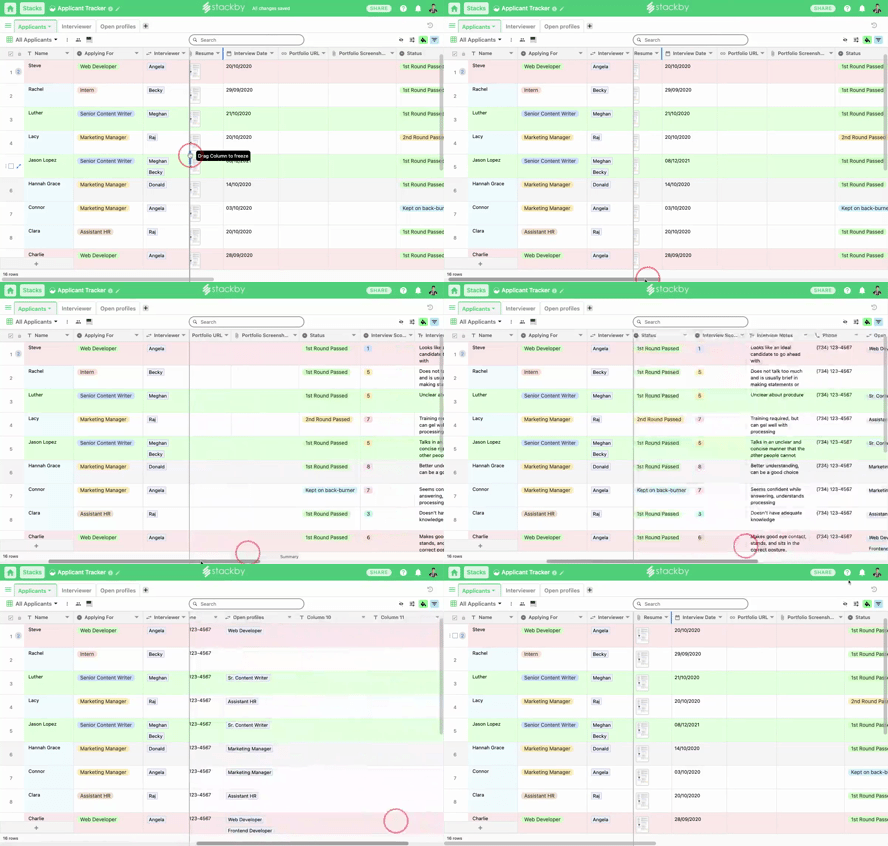
Voila! You can now freeze your columns in a breeze and visualize your table data more effectively.
What do you think? Comment your thoughts.